Sail and fight
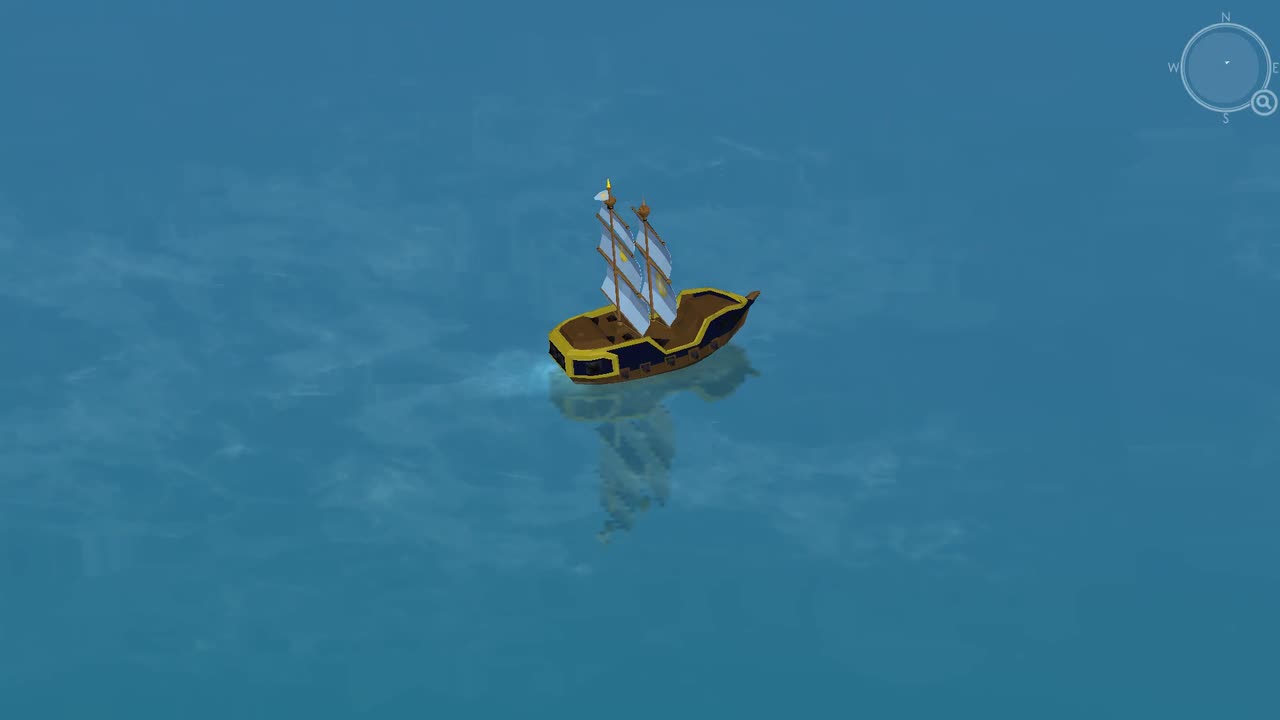
Choose an island, cross open water and clear its defending fleet. Keep enemies beside your cannons while you wait for each reload.
Sailing action in your browser
Sail between islands, battle pirates and upgrade your ship. Play DOKDO free in your phone or desktop browser. No installation or account required.
Checking browser support.
Read browser helpYour progress is saved in this browser.
Use WASD or click and drag to steer. Touch and drag to steer. Release to slow down.

Gameplay
Choose an island, cross open water and clear its defending fleet. Keep enemies beside your cannons while you wait for each reload.
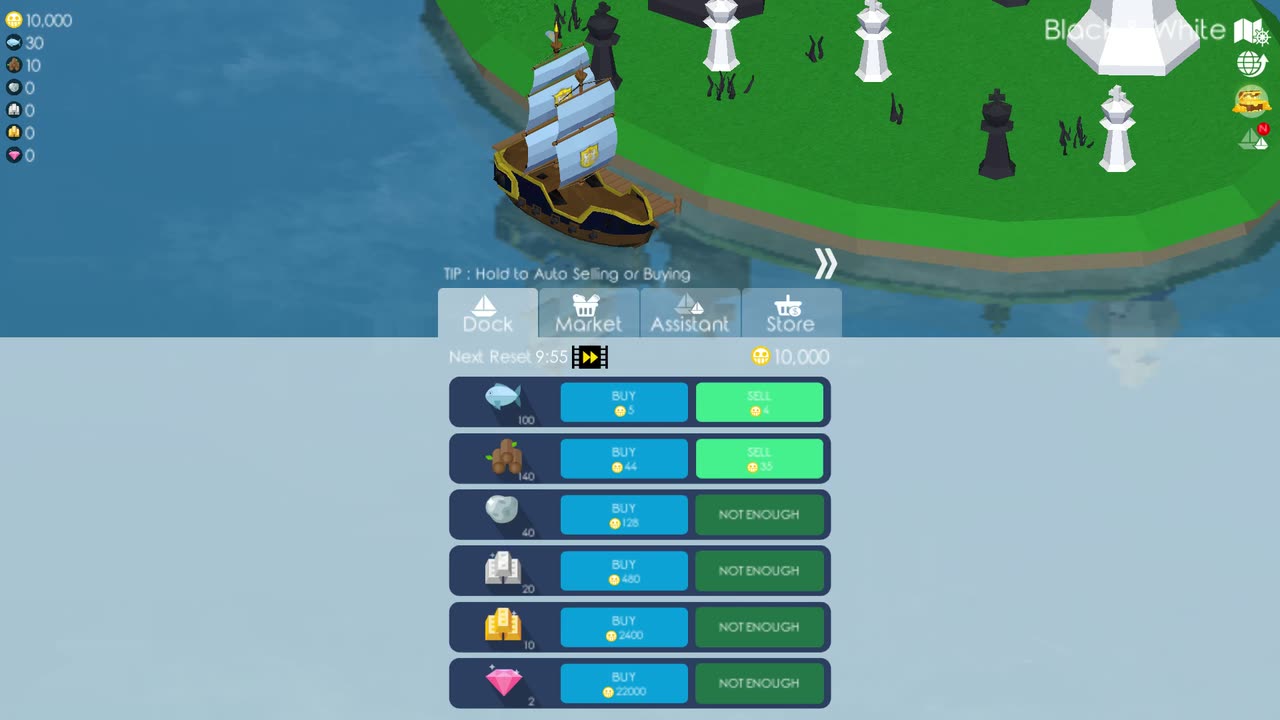
Gather fish near captured islands or carry goods between markets. Spend what you earn on repairs, ship parts and assistants.
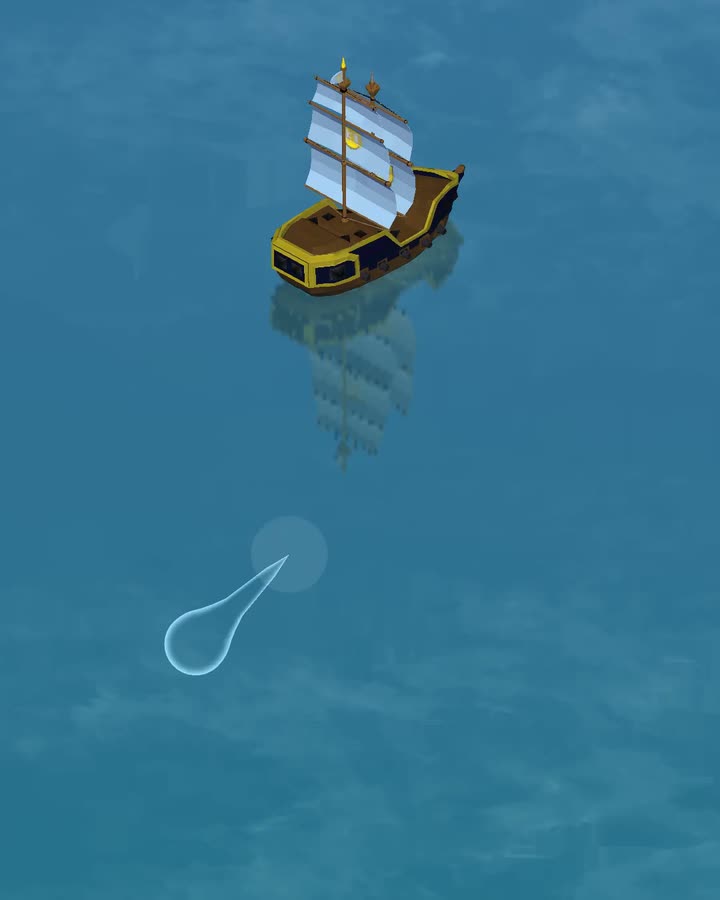
Discover islands across two oceans, take on waves of pirates in the arenas and prepare your fleet to face the Kraken.
Read the DOKDO guide for your first trip and more.
Dokdo, Republic of Korea
The gameplay sequence begins with a game reconstruction of Dokdo before the voyage moves into the reconstructed game world.
This unofficial game reconstruction is not affiliated with or endorsed by the Ministry of Foreign Affairs or the Government of the Republic of Korea.
The Dokdo facts from the Ministry of Foreign Affairs, Republic of Korea describe two main islands, Dongdo and Seodo, plus 89 surrounding islets.
FAQ
It is free to play with no account required. Choose a public captain name when you start.
Use a current phone, tablet or desktop browser with WebGL 2 support. The page checks your browser before enabling Play. If it stays disabled, see Browser help.
Yes. Install DOKDO and open the installed app online. After checking its downloaded files, the game briefly shows "Ready to play offline" at startup. You can then play solo without internet. Online features need a connection. See installation and update instructions.
While online, see nearby captains, chat, use ship emotes and join the shared Treasure Hunt. Combat and island captures remain independent for each captain.
Your save stays in this browser or installed app. It does not automatically sync to another browser or device. Your captain name does not restore it. Clearing site data removes that save. Private browsing or storage restrictions may prevent it from lasting after you close the game.
In the game, open Cloud Back Up → Save and choose Download save. Keep the .dokdosave file somewhere safe. On the destination, open Cloud Back Up → Load and choose your .dokdosave file and confirm before replacing progress. See how to move an existing save.
Zzoo released the original game in 2017. This unofficial reconstruction keeps its sailing, fishing, upgrades and island battles, with online features added for browser players. It is not endorsed by Zzoo. Read about the reconstruction.
Set sail
Start in the browser, follow the marker and build your ship one capture at a time.