Your first trip
- Press Play and enter the captain name that other browser players will see.
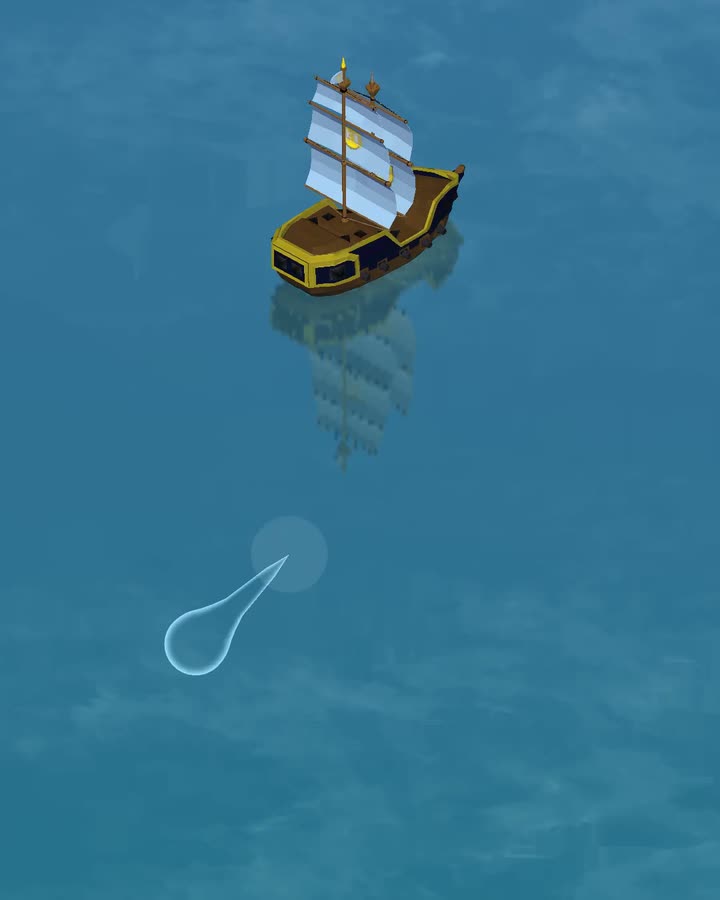
- Press and drag over the water or use WASD to steer. Release to slow down. A mouse or touch press takes over from the keyboard. Click or tap twice in a direction to keep sailing after you release.
- Approach the marked island, defeat its defenders and collect the capture reward.
- Dock at an island you control to repair, trade, upgrade and prepare for the next crossing.
On the water
Steering
Press and drag over the game to set your heading. Keep holding to move and steer. Release when you want to slow down.
With the game focused, use WASD to sail toward the top, left, bottom or right of the view. S turns the ship downward rather than reversing. Hold two adjacent keys for a diagonal. Opposite keys cancel each other. Release the keys to slow down.
WASD cancels automatic travel. A mouse or touch press takes over immediately. Press a movement key again to return to keyboard steering. Keyboard controls use the physical WASD positions and pause while you type in chat or open a menu.
On desktop you can use the mouse wheel to adjust the view while sailing. On a touch screen use two fingers to zoom. Zoom controls pause while the ship is docked.
Click or tap twice to keep sailing
Click or tap a point around your ship twice within half a second. The ship keeps moving toward that heading after you release. Press and drag again to return to manual control.
Resources
Fishing
Move near a captured island while you are still at sea. The fishing control appears when no enemy is close. Use it to collect fish. Fishing upgrades raise the typical catch.
Markets
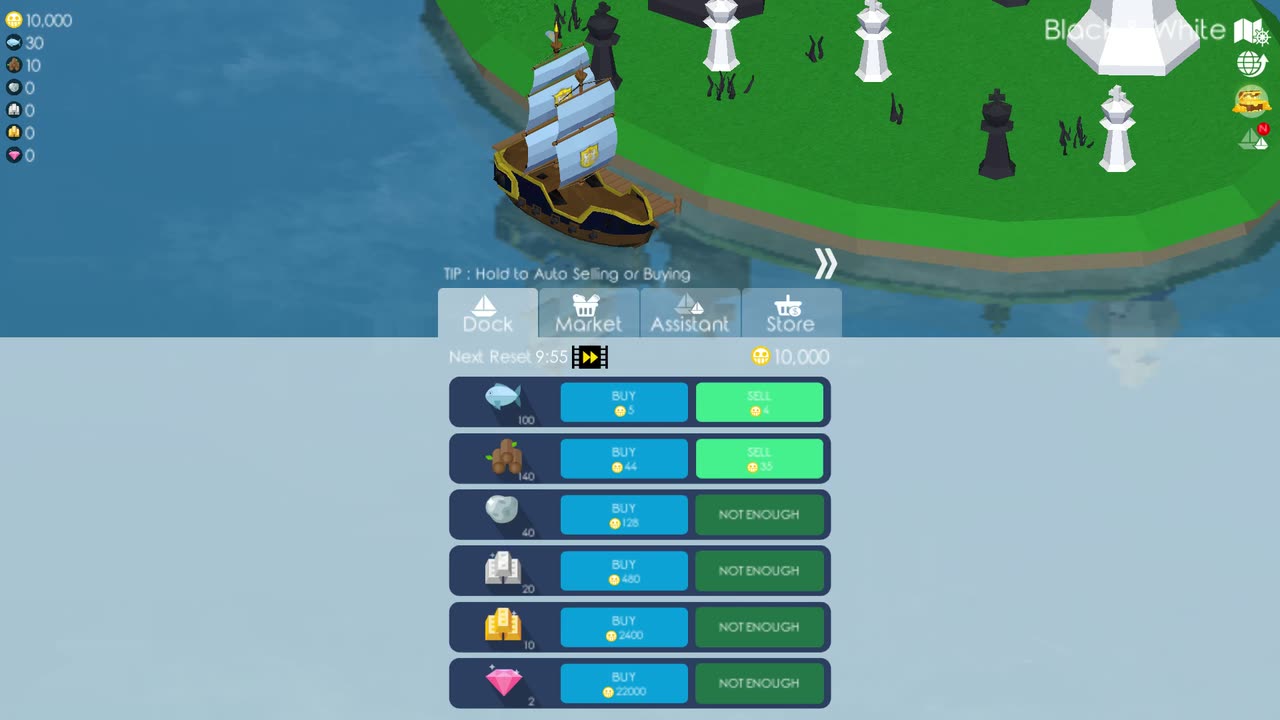
Dock at a captured island to open its menu. The market lets you buy available goods with coins or sell cargo from your ship. Stock changes as you trade and returns when the market resets.
Fighting
Combat
Sail close enough for an enemy to enter cannon range. Your side cannons track targets in their firing arc and fire after reloading. Turn the matching side of your ship toward the target and keep clear of incoming shots.
Destroyed enemies can drop resources. If your ship sinks, the game records the loss and opens the revive screen.
Island capture
Uncaptured islands call in a defending fleet when you approach. Defeat every defender to take the island and open its reward. A captured island becomes a safe place to dock.
At each island
Ship upgrades
Spend coins and resources on the body, sail, steering, cannon and fishing tracks. Body level sets the limit for the other upgrade tracks, so raise it when another part reaches its current maximum.
Assistants
Assistants are bought from the island menu. Assistant ships follow your boat and fire at nearby enemies. Their strength rises with their own level. Seagulls restore some health during long trips and Nessy increases maximum health.
Longer runs
Arenas
Sail through an arena entrance to begin a separate wave fight. Each cleared wave brings another group of pirates. The game records how many you defeat and bases the reward on that count. The second ocean has its own arena record.
Browser saves
Progress is stored locally under the exact site address in your browser. It does not move to another device or browser by itself. Open Cloud Back Up → Save and choose Download save to keep a backup. To restore it or move to another browser or device, open Cloud Back Up → Load and choose your .dokdosave file and confirm before replacing progress.
Do not clear cookies or site data when you only need to refresh cached game files. Clearing site data also removes the local save.
Browser support
Browser help
If Play stays disabled or the game does not load, start with the DOKDO browser help. It explains browser checks, loading errors and portrait mode, with steps for refreshing cached files without clearing site data.